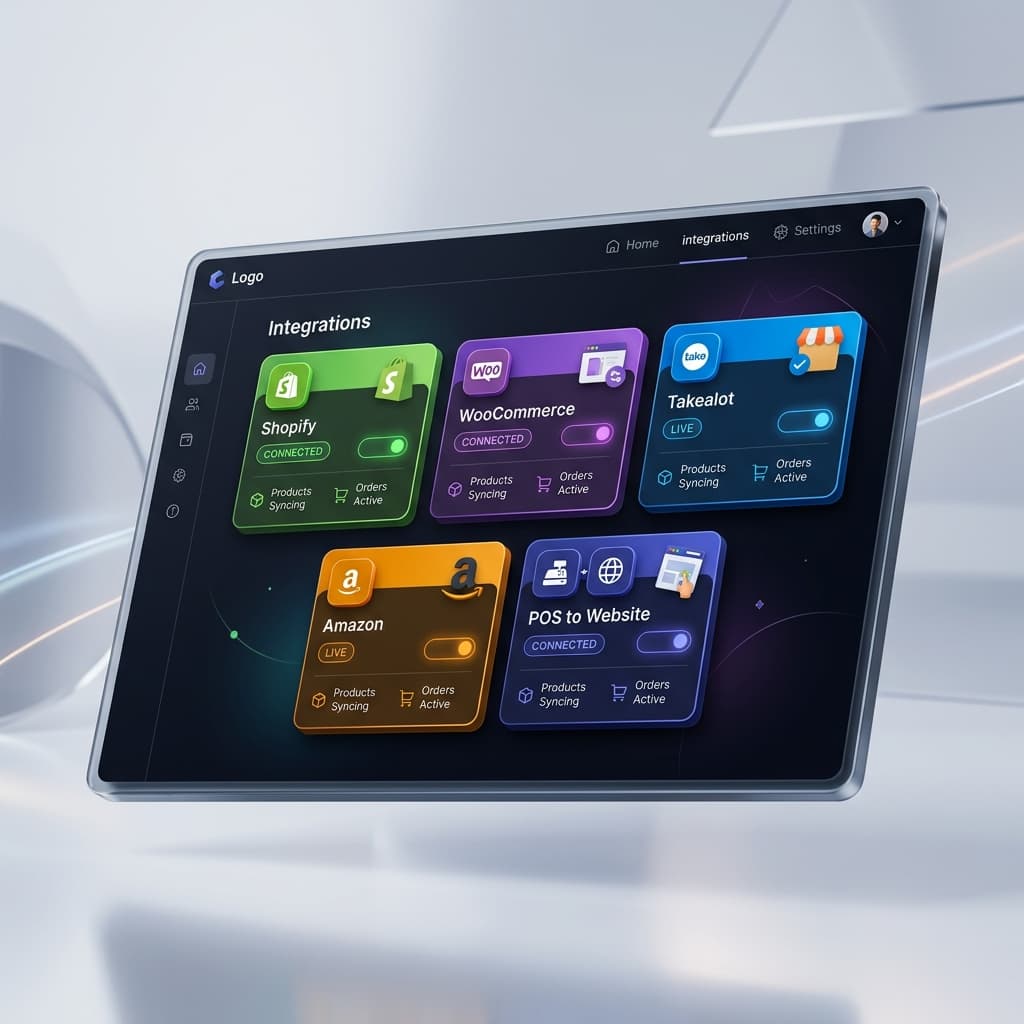
TTakealot Integration

Manage Your Takealot Business Smarter

Auto-pricing, profit analysis, stock sync, competitive intelligence, and purchase orders — everything a Takealot seller needs, built into your POS dashboard.

50,000+

Products Managed

30min

Auto-Reprice Cycle

100+

Active Sellers

24/7

Automated Sync

Everything You Need to Sell on Takealot

From auto-pricing to purchase orders, every tool a Takealot seller needs — built into one platform.

Takealot Auto Pricing Engine

Most Popular

Stay competitive 24/7 — automatically adjust your Takealot prices based on competitor data, cost price, and profit targets.

  • Auto-calculate Min & Max selling price from cost + commission + shipping + margin
  • See how many products are winning vs losing the buy box
  • Shows exactly how much to reduce price to become the winning seller
  • Revenue impact calculator — see projected revenue if auto-price is activated
  • Commission rate and shipping fee calculations built-in
  • Automatic competitor price scraping via rotating proxies
  • Never price below your cost floor — smart safeguards
  • Runs every 30 minutes during business hours
  • Batch repricing for thousands of products at once
How it works

The Auto Price dashboard shows winning vs losing products, calculates how much price adjustment is needed to win the buy box, and projects total revenue impact — so you make informed pricing decisions.

Winning

847

Losing

312

Revenue Impact

+R48K

LED TorchLosing by R3

Cost

R135

Min

R222

Competitor

R259

Your Price

R262

Reduce by R3 to win buy box

📦

Takealot Product Management

See every detail about your Takealot products — stock levels, pricing, profit margins, and POS linkage — in one powerful view.

  • Stock at Takealot (JHB, CPT, DBN breakdown)
  • Stock on way tracking with cost & selling value
  • POS product linking with cost price sync
  • Profit/Loss calculation per product (PRF-LOS)
  • Profit alerts: products selling at a loss or under R30 profit
  • Stock value cards: With Cost vs Without Cost breakdown
  • Buyable vs Not Buyable status filtering
  • TSIN, SKU, barcode search across all fields
How it works

The Products page gives you a complete financial picture — cost price, selling price, profit margin, and stock value across Takealot and your POS.

ProductStock30D SalesProfit / LossStatusReq Qty
LED Torch465R44Buyable62
Salt & Pepper Grinder1061R46Buyable44
Washing Line337R33Buyable29
Ankle Guards - Green326R43Buyable22
Vegetable Chopper 13 Blade018R48Buyable17
Frying Pan 4 Hole32-R12Buyable0
📊

Takealot Sales & Revenue Analytics

Track every sale across all your Takealot integrations. See revenue, order volume, returns, and trends over any time period.

  • 30-day, 7-day, and daily sales breakdowns
  • Revenue tracking with South African Rand (ZAR) formatting
  • Order-level detail: quantities, prices, dates
  • Return rate monitoring per product
  • Multi-integration support — manage multiple Takealot accounts
  • Sales data syncs automatically every hour
How it works

Sales sync runs hourly so your dashboard always reflects the latest Takealot order data — no manual exports needed.

Last 30 DaysR1,577,955
6,203 ordersAvg R52,599/day
📈

Takealot Profit Reports & Data Quality

Identify products selling at a loss, find data quality issues, and spot dead stock before it costs you money.

  • Profit alert dashboard: loss-making & low-profit products
  • Dead stock identification (products not selling)
  • Price anomaly detection across your catalogue
  • Data quality reports: missing images, descriptions, barcodes
  • Duplicate product detection with similarity scoring
  • Export reports to Excel for offline analysis
How it works

Profit reports highlight exactly which Takealot products need attention — so you fix the ones costing you money first.

Selling at Loss1 product
Under R30 Profit112 products
Missing Images45 products
🎯

Takealot Competitive Intelligence

Monitor what your competitors are charging on Takealot. See price history, buy box status, and market positioning.

  • Competitor price scraping via Webshare rotating proxies
  • Price history tracking over time
  • Buy box winner identification
  • Market position analysis for your products
  • Automatic scraping schedules (configurable)
  • Proxy health monitoring with automatic rotation
How it works

Competitive data feeds directly into the auto-pricing engine — your prices adjust based on real market conditions, not guesswork.

Your PriceR266
Lowest CompetitorR259
Highest CompetitorR299

You are positioned at 65th percentile

🛒

Purchase System & Supplier Tracking

Full purchase order system driven by Takealot demand. Track suppliers, compare prices, and maintain a complete purchase history.

  • Qty Required auto-calculated from 30-day sales vs stock on hand
  • One-click add to purchase request directly from Products page
  • Supplier management — store multiple suppliers per product
  • Compare supplier prices and track price changes over time
  • Full purchase history — see every order, date, qty, and cost
  • Purchase order → stock receive → inventory update workflow
  • Supplier-level reporting: total spend, average lead time
  • Cost price auto-updates from latest purchase into Takealot profit calculations
How it works

The purchase system connects directly to Takealot demand — when products are selling fast and stock is low, the system tells you exactly what to reorder, how much, and which supplier offers the best price.

Reorder Queue

LED Torch
Qty: 62Urgent
Pepper Grinder
Qty: 44Reorder
Washing Line
Qty: 29Reorder

Supplier Price History — LED Torch

China Direct
12 MarR98
Bella Imports
28 FebR115
QuickStock SA
15 JanR135
🔄

POS ↔ Takealot Stock Sync

Keep your POS and Takealot stock levels in perfect sync. Your local inventory is always the source of truth.

  • Automatic product linking via barcode matching
  • Cost price flows from POS to Takealot profit calculations
  • Stock levels visible side-by-side (POS vs Takealot)
  • Manual POS link for products without barcode match
  • Min/Max price boundaries derived from POS cost + margin
  • Pack quantity support for multi-unit products
How it works

Your POS database is always the source of truth. Takealot stock and pricing data enriches it — never the other way around.

POS Stock

135

Takealot

4

Linked via barcode: C140M230/B19

Why Takealot Sellers Choose Online POS

⏱️

Save Hours Every Day

Auto-pricing, auto-sync, and automated reports replace hours of manual spreadsheet work. Focus on growing your business.

🛡️

Never Sell at a Loss

Real-time profit calculations with cost price integration ensure every Takealot sale makes you money. Alerts flag problems instantly.

🏢

Multi-Account Support

Manage multiple Takealot seller accounts from one dashboard. Each integration has its own products, sales, and settings.

Ready to grow your business?

Join hundreds of South African businesses using Online POS to manage sales, inventory, and multi-channel selling.